



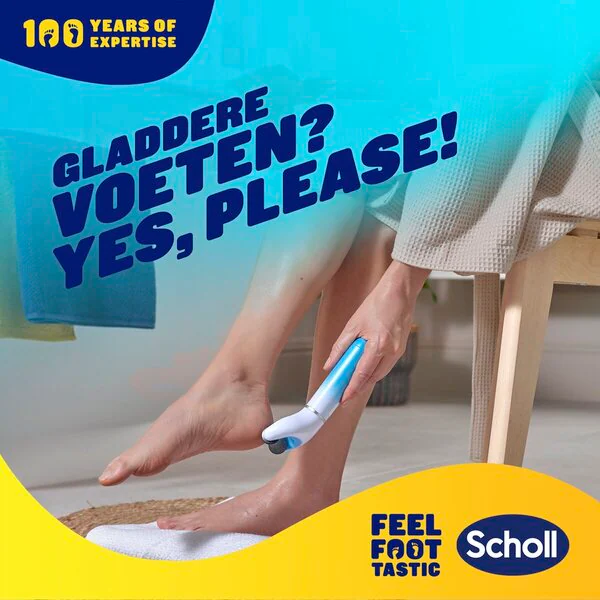

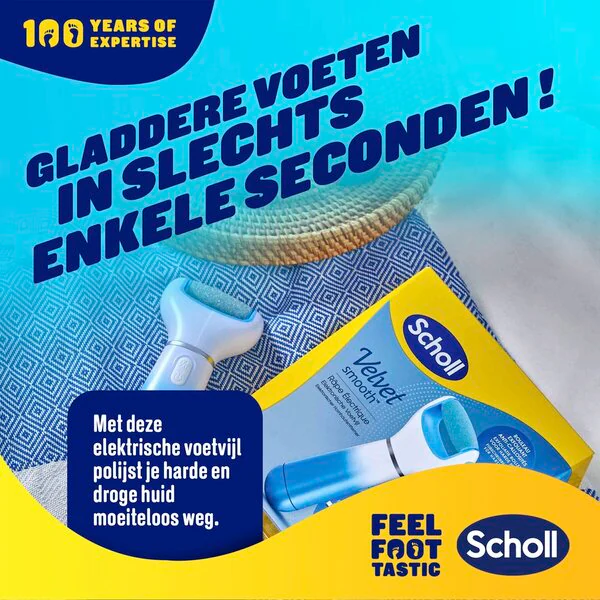
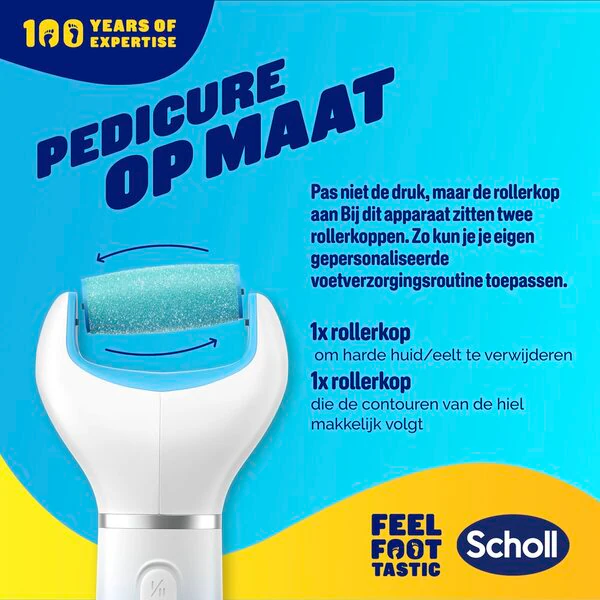

The Dr. Scholl's Velvet Smooth Electric Foot File effectively and effortlessly removes hard and stubborn calluses in just a few minutes, for supple and soft feet.
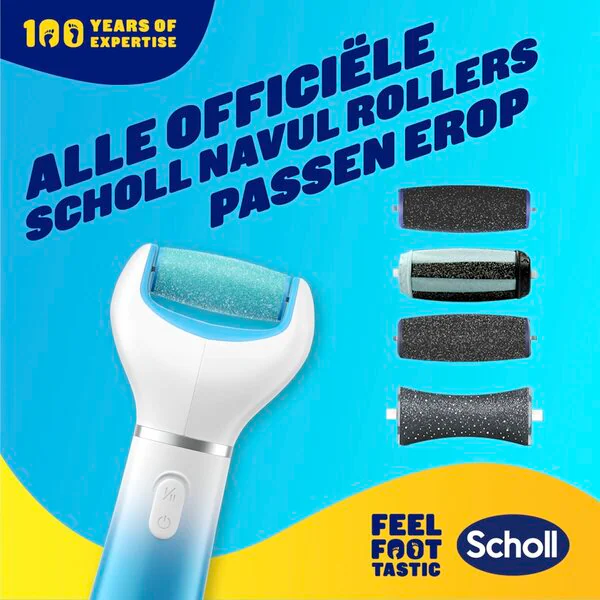
The holder of the electric foot file for hard skin features a replaceable roller. This roller, with long-lasting micro-grains and ultrafine synthetic diamond crystals, exfoliates your skin naturally. Replace the roller in a timely manner for continuous and optimal results. The set includes an electric foot file, an exfoliation roller, a heel contour roller, and four AA batteries.The benefits of the Dr. Scholl's Velvet Smooth Electric Foot File:• Electric foot file for removing hard skin• With extra exfoliating synthetic diamond crystals• Especially for hard and stubborn skin• Smooth feet in an instantHow to use the Dr. Scholl's Velvet Smooth Electric Foot File?First use: Remove the bottom of the device by pulling it off. Press the lock to open the inner battery cover. Insert four new AA batteries in the direction indicated on the device. Close the inner battery cover by pressing on it until you hear a click. Place the end back onto the handle. Ensure the roller is properly placed on the device. Do not use the file if the roller is not installed. To switch on or off, press ON/OFF. Use the speed button to switch to your desired speed. Roll the roller over the callus until you achieve the desired softness. Do not press too hard, otherwise the device will stop. Switch off the device and check if you have achieved the desired result. If not, switch the device back on and continue. Warning: Do not use the roller on the same spot for longer than 3 to 4 seconds. Stop if skin irritation or inflammation occurs. Wipe or rinse your feet to completely remove dead skin. You can use this roller on wet or dry feet. Do not immerse the device in water. Keep the packaging for future use. Cleaning after use:Turn off the device before cleaning it. Detach the roller and wash it to clean the surface. To remove the roller, press the button on the side of the device and then gently pull on the roller. Rinse the roller under the tap to clean the surface. Clean the device housing with a clean, damp cloth. Dry the roller and the device with a clean, dry cloth. Reinstall the roller. Replace the roller as soon as it appears less effective or every three months. All Scholl refills/rollers fit the electric foot file. Ensure the electric foot file is turned off and follow the steps on the packaging. Do not use on damaged or irritated skin. Discontinue use if irritation occurs. If irritation persists, consult a doctor. For external use only and only use on the hard skin on your feet. Do not use on other body parts. Avoid contact with eyes. Store in a cool, dry place. The device is not suitable for people with diabetes or circulatory problems. Keep long hair and clothing away from the device when in use.
EAN code:5052197023350
Functional NameElectric Foot File
Content SpecificationsPackage contains: 1 x Electronic foot file, 1 x Exfoliation roller, 1 x Heel contour roller, 4 x AA batteries.
Full DescriptionScholl Velvet Smooth Electric Foot File Box
Contents (Net)1 piece
Comment